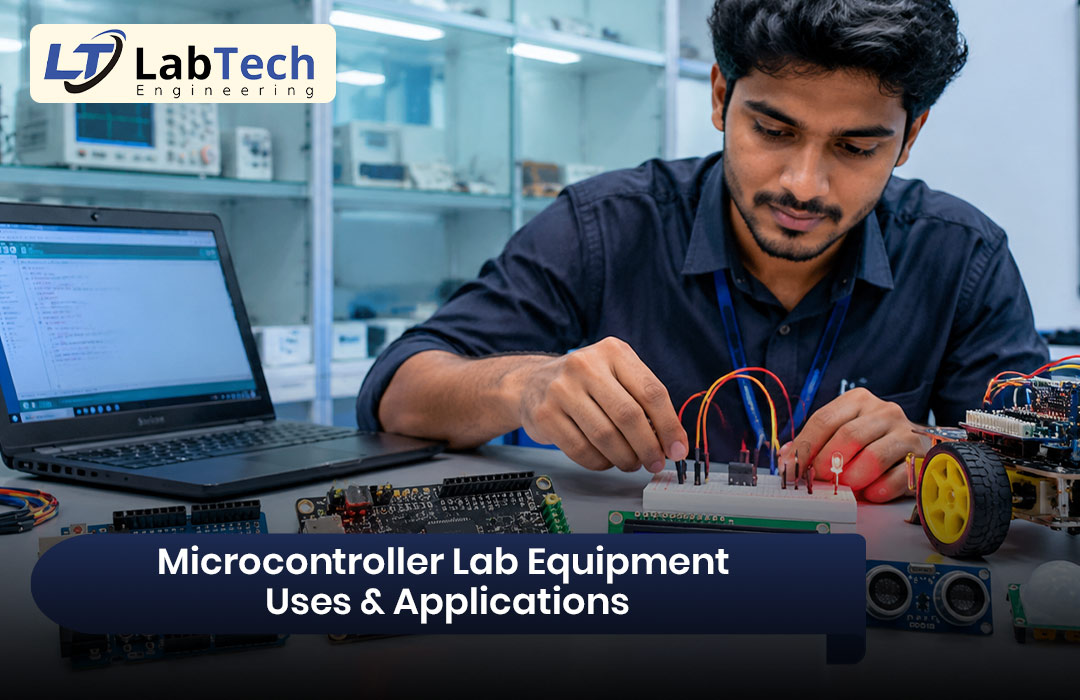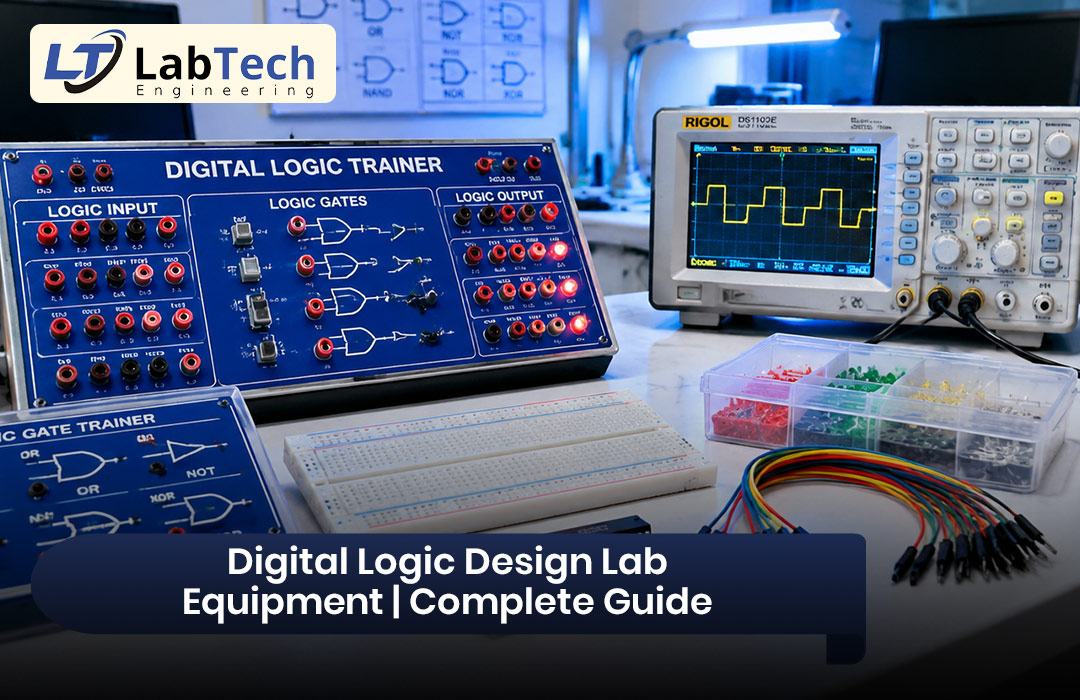
Microcontrollers are inside many things we use every day. They run washing machines, smart meters, car dashboards, medical devices and factory machines. Because of this, every engineering student in Bangladesh needs hands-on practice with them. Good microcontroller lab equipment makes that practice possible.
In this guide, you will learn what a microcontroller lab is and which tools it needs. You will also see how each tool is used, where students apply their skills, and how to choose the right setup for your institute.
What Is Microcontroller Lab Equipment?
Microcontroller lab equipment is the set of kits, tools, software and test instruments used to learn, build, program and test microcontroller-based systems. It helps students move from theory to real circuits.
A microcontroller is a small computer on a single chip. It has a processor, memory and input/output pins. Students write code, load it into the chip and watch it control LEDs, motors, sensors and displays.
A complete microcontroller lab usually serves courses in embedded systems, digital electronics, robotics and automation. Many institutes also use it for final-year projects.
Why Is a Microcontroller Lab Important?
Simulation software is useful, but it cannot replace real hardware. In a lab, students learn how real circuits behave. They face noise, wiring mistakes and power problems, and they learn to fix them.
A well-equipped lab helps students to:
- Understand how code controls real hardware
- Learn debugging and testing skills
- Build confidence before working in industry
- Complete practical projects on time
It also helps teachers run repeatable experiments for every batch.
Essential Microcontroller Lab Equipment and Their Uses
1. Microcontroller Trainer Kits
A microcontroller trainer kit is the heart of the lab. It is a ready-made board with a microcontroller, switches, LEDs, displays and ports. Students do not need to build everything from zero.
Popular kits are based on 8051, AVR, PIC, ARM Cortex and ESP32 chips. Beginners often start with 8051 or Arduino-based kits. Advanced students move to ARM or STM32 boards.
Uses: Learning basic programming, port control, timers, interrupts and serial communication.
2. Development Boards
Development boards are small boards with a microcontroller and easy pin access. Arduino, STM32 and ESP32 boards are common examples.
Uses: Quick prototyping, IoT projects, sensor interfacing and final-year projects.
3. Programmers and Debuggers
A programmer loads your code into the microcontroller. A debugger helps you find mistakes by running code step by step. Common tools include USBasp, ST-Link, PICkit and J-Link.
Uses: Uploading firmware, setting breakpoints and checking variable values.
4. Oscilloscope
An oscilloscope shows electrical signals as waveforms. It is one of the most important tools in any electronics lab. Students can check PWM signals, clock signals and communication lines.
Uses: Viewing signal timing, finding noise and testing communication such as UART, I2C and SPI. To learn more, read our guide on the types of oscilloscope.
5. Digital Multimeter
A digital multimeter measures voltage, current and resistance. It is the first tool students use when a circuit does not work.
Uses: Checking supply voltage, testing continuity and finding short circuits.
6. Regulated Power Supply
A DC power supply gives stable voltage to the circuit. Many labs use adjustable supplies with current limits to protect the boards.
Uses: Powering boards, sensors and motors safely.
7. Function Generator
A function generator creates sine, square and triangle waves. Students use it to send test signals to the microcontroller.
Uses: Testing input pins, ADC channels and timers.
8. Logic Analyzer
A logic analyzer records many digital signals at the same time. It is very helpful for checking communication between chips.
Uses: Debugging I2C, SPI and UART data.
9. Breadboards, Jumper Wires and Components
Every lab needs breadboards, jumper wires, resistors, capacitors, LEDs, transistors and ICs. These small parts are used in almost every experiment. You can explore the microcontroller components range for the parts your lab needs.
Uses: Building and changing circuits quickly.
10. Sensors, Displays and Interface Modules
Sensors let the microcontroller read the real world. Common examples are temperature, ultrasonic, IR, gas and light sensors. Displays include LCD, OLED and seven-segment units. Relay and motor driver modules let the chip control heavy loads.
Uses: Building temperature monitors, obstacle-avoiding robots, smart home systems and automatic control units.
11. Software and IDEs
Hardware needs software to work. Labs use tools such as Keil, MPLAB X, Arduino IDE, STM32CubeIDE and Proteus. Proteus is useful for testing a design in simulation before building it.
Uses: Writing, compiling and simulating code.
Common Experiments in a Microcontroller Lab
A good lab supports these experiments:
- LED blinking and port control
- Switch and keypad interfacing
- LCD and seven-segment display control
- ADC and sensor reading
- PWM for motor speed control
- Timer and interrupt programming
- Serial communication using UART, I2C and SPI
- Stepper motor and servo motor control
These experiments build skills step by step, from simple to advanced.
Applications of Microcontroller Lab Skills
Students who learn on real equipment can work in many fields:
- Industrial automation: PLC support, machine control and monitoring. See our guide on power and automation lab equipment.
- Robotics: Line followers, robotic arms and smart vehicles. Read more in our robotics lab equipment guide.
- IoT and smart homes: Remote monitoring, smart lights and security systems.
- Medical devices: Heart rate monitors, thermometers and infusion pumps.
- Automobiles: Engine control units, sensors and dashboards.
- Power and energy: Smart meters, solar charge controllers and battery monitors.
- Consumer electronics: Home appliances, toys and wearables.
Bangladesh has a growing demand for embedded and automation engineers. Practical lab experience gives graduates a real advantage.
How to Choose the Right Microcontroller Lab Equipment
Buying lab equipment is a big decision. Keep these points in mind:
- Match your syllabus. Choose kits that support the chips taught in your courses.
- Check build quality. Strong boards and good connectors last longer in student use.
- Look for learning material. Manuals, experiment guides and sample code save teacher time.
- Plan for growth. Pick systems that let you add new modules later.
- Ask about support. Installation, training and after-sales service matter a lot.
- Count your students. Plan enough workstations so that small groups can practice together.
For a deeper buying guide, read how to choose lab equipment in Bangladesh. If you are planning a full lab setup, our article on university laboratory equipment in Bangladesh will also help. Institutes that teach industrial control can pair this lab with a PLC trainer kit.
Frequently Asked Questions
What equipment is needed for a microcontroller lab?
You need trainer kits, development boards, programmers, an oscilloscope, multimeters, power supplies, function generators, breadboards, components, sensors and programming software.
Which microcontroller is best for students?
Arduino and 8051 are easy for beginners. Students who want advanced skills can move to STM32 or ESP32 boards.
What is the difference between a microcontroller and a microprocessor?
A microcontroller has a processor, memory and input/output pins on one chip. A microprocessor needs extra external parts. You can explore both in the microprocessors lab and microcontroller lab categories.
Why do students need an oscilloscope in a microcontroller lab?
It lets them see real signals. This makes it easier to find timing and communication errors.
Can simulation replace a hardware lab?
No. Simulation is a good first step, but real hardware teaches wiring, noise and debugging.
Who needs microcontroller lab equipment?
Universities, polytechnic institutes, technical schools, vocational training centers and research labs all use it.
Why Choose LabTech Engineering?
LabTech Engineering is a leading provider of Electrical Machine Lab Equipment and advanced engineering laboratory solutions in Bangladesh. We support universities, polytechnic institutes, vocational training centers, research laboratories and industrial training facilities with reliable, high-quality equipment.
We are an Electrical and Electronics based research and development company. Our goal is to improve technical education through modern laboratory solutions. You can learn more on our About Us page and read our Mission & Vision. To see the institutes we work with, visit our Clients page.
We offer complete setup solutions, including installation support, training services and after-sales assistance. You can browse our full range in the Shop or buy online at the LabTech Shop. For quotations and lab planning, please visit our Contact Us page.
Final Words
Strong microcontroller lab equipment turns theory into skill. With the right kits, instruments and software, students can build real projects and prepare for careers in embedded systems, automation and robotics. Choose equipment that fits your syllabus, lasts long and comes with good support.